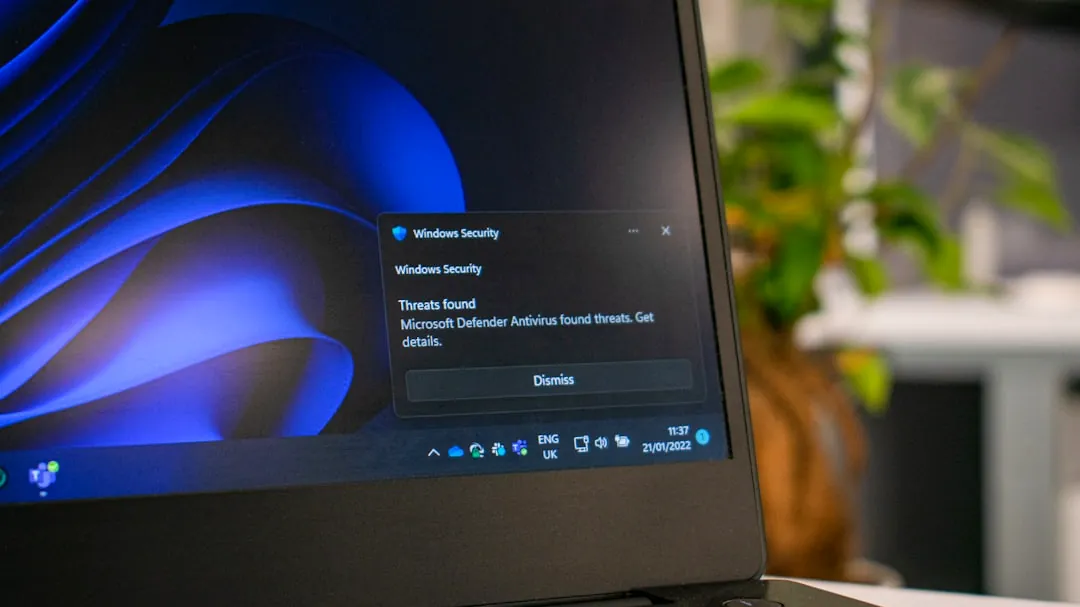

When 0x80073712 appears: Microsoft’s pull of KB5079391 and replacement KB5086672 underline persistent Windows update validation gaps
Microsoft pulled the Windows 11 optional preview update KB5079391 within hours of its March 26, 2026 release after installation failures surfaced with error 0x80073712, and then issued an out‑of‑band replacement, KB5086672, on March 31, 2026. That rapid pull‑and‑replace sequence makes clear that update validation still struggles to catch certain failures at scale, even with phased rollouts and preview channels.
What KB5079391 was meant to do for 24H2 and 25H2
KB5079391 targeted Windows 11 versions 24H2 and 25H2 and bundled several visible feature and reliability changes: File Explorer fixes for unblocking downloaded files, support for displays with refresh rates above 1,000 Hz, improved Windows Hello fingerprint recognition, a Smart App Control toggle that can be enabled without a clean install, and refinements to pen input behavior.
Those items matter for specific user groups—gamers with ultrahigh‑refresh monitors, businesses that rely on Smart App Control for app telemetry, and creative professionals using pen input—so a preview update can provide early access to device‑specific fixes before wider distribution. Microsoft distributed the update in a phased rollout to limit exposure but still put these changes into real user environments that can reveal regressions missed in lab testing.
Why 0x80073712 triggered a full pause

Error 0x80073712 points to missing or corrupted assembly files in the WinSxS servicing store, which is central to Windows’ servicing and update mechanics. In affected installs the update looped into a failure state; devices were not bricked, but installations could not complete, a level of disruption that prompted Microsoft to halt the preview within hours on March 26, 2026.
Microsoft has not published a precise root‑cause breakdown, but the symptom set—missing WinSxS assemblies—suggests the update package or the servicing stack delivered an incomplete or corrupted payload for at‑least some configurations. The incident occurred despite the phased rollout and Insider previews, which implies gaps remain in how update validation covers the diversity of real‑world device states and third‑party drivers.
How Microsoft replaced KB5079391 and what to watch next
Microsoft replaced KB5079391 in the update catalog with out‑of‑band KB5086672 on March 31, 2026; that package re‑bundles the earlier feature work and includes a fix aimed at the 0x80073712 installation failure. The accelerated follow‑up signals two things: the company can move quickly to push a remediation, and it judged the original failure severe enough to justify an out‑of‑band release rather than waiting for the regular April Patch Tuesday cycle.
Operationally, the next checkpoints are adoption and stability metrics for KB5086672 (watch telemetry and enterprise deployment reports during the first two weeks after March 31) and whether Microsoft’s expanded Windows Update controls—longer pause options and finer user controls—reduce the downstream impact of any future faulty rollouts.
Deciding whether to opt into preview updates: a compact decision table

Preview updates give early access to fixes but increase exposure to regressions like the 0x80073712 install failure. Use this table to match your situation to an appropriate approach.
| Condition | Primary benefit | Main risk | Practical action/checkpoint |
|---|---|---|---|
| Managed enterprise fleets | Validate fixes on representative hardware before mass rollout | Unexpected failures on production images | Stage to pilot groups, monitor telemetry for two weeks, delay wide rollout until KB5086672 shows stable adoption |
| Enthusiasts and IT pros | Early access to new features and fixes | Higher chance of encountering edge bugs | Install on secondary devices or maintain full backups and know recovery steps |
| General consumers | Minimal; mostly receives fixes earlier | Potential installation issues and support friction | Prefer stable channels; wait for Microsoft to validate KB5086672 after March 31 before installing |
Quick questions
Will KB5086672 definitely fix the 0x80073712 failures? Microsoft bundled a fix and reissued the update on March 31, 2026; early signals will come from deployment telemetry and user reports over the following days, so wait for confirmation from IT telemetry or broader adoption before mass deployment.
If I already saw 0x80073712, what should I do now? Because the error indicates missing WinSxS assemblies, common recovery steps include running Windows’ repair tools (for example, DISM and SFC) and checking Update History; enterprise teams should consult vendor guidance and test the KB5086672 patch on a replica image before redeploying broadly.
